%20--%3e%3cdefs%3e%3cstyle%3e%20.st0%20{%20fill:%20%23fff;%20}%20%3c/style%3e%3c/defs%3e%3cpath%20class='st0'%20d='M37.06,124.64c1.42-.39,3.06.14,4.14.77,29.56,17.44,67.54,6.48,83.47-23.79,9.31-17.68,10.16-36.97,1.54-55.34-1.29-2.76.63-5.66,3.07-6.48,2.76-.91,5.34.33,6.56,2.99,7.71,16.78,8.53,35.39,2.51,52.8-14.32,41.46-61.44,61.08-100.66,39.6l-28.54,8.18c-1.53.44-3.51-.85-4.32-1.78-1.07-1.23-1.51-2.99-1.06-4.68l7.42-27.48C1.75,93.06-1.86,75.29,2.43,56.85,9.85,24.85,36.89,1.27,70.09.31c14.91-.43,29.09,3.99,41.7,12.54l-.36-5.47c-.17-2.66,1.42-4.88,3.81-5.4,2.05-.44,5.56.58,5.97,3.25,1.09,7.06,1.8,14.07,2.44,21.4.2,2.3-2.47,4.71-4.65,4.73l-18.11.08c-2.8,0-5.09-1.59-5.5-4.35-.35-2.36,1.31-5.56,4.1-5.59l6.44-.08C76.96,1.23,36.92,10.4,19.4,41.02c-11.87,20.72-11.49,44.19,1.31,64.59.85,1.31,1.36,2.49.93,4.03l-5.58,20.83,20.99-5.85.02.02Z'/%3e%3cpath%20class='st0'%20d='M91.43,92.7c4.29,0,7.09-3.34,6.98-7.09-.11-4.05-3.59-7.03-7.8-6.51h-20.19l3.67-10.15,16.89-.03c3.39,0,5.97-2.47,6.48-5.72.33-2.08-.3-4.22-1.58-5.63-1.45-1.59-3.44-2.1-5.64-2.1l-14.72.05,3.1-10.18c4.29-.19,8.41-.33,12.75-.13,7.66.35,14.32,5.25,16.03,12.72,1.36,5.97-.65,11.99-5.85,15.54,3.21,2.02,5.5,4.76,6.49,8.59,2.55,9.85-4.33,20.06-14.94,20.56l-32.37.2,3.73-10.07,9.74-.08h17.21v.02Z'/%3e%3cpath%20class='st0'%20d='M68.08,68.96l-3.36,10.12-18.41.03-.06,23.7h-10.38v-56.96c0-.5,1.61-.71,2.14-.71h6.97l27.17-.02-3.18,10.34-22.63.14-.03,13.33,21.78.05v-.02Z'/%3e%3c/svg%3e)
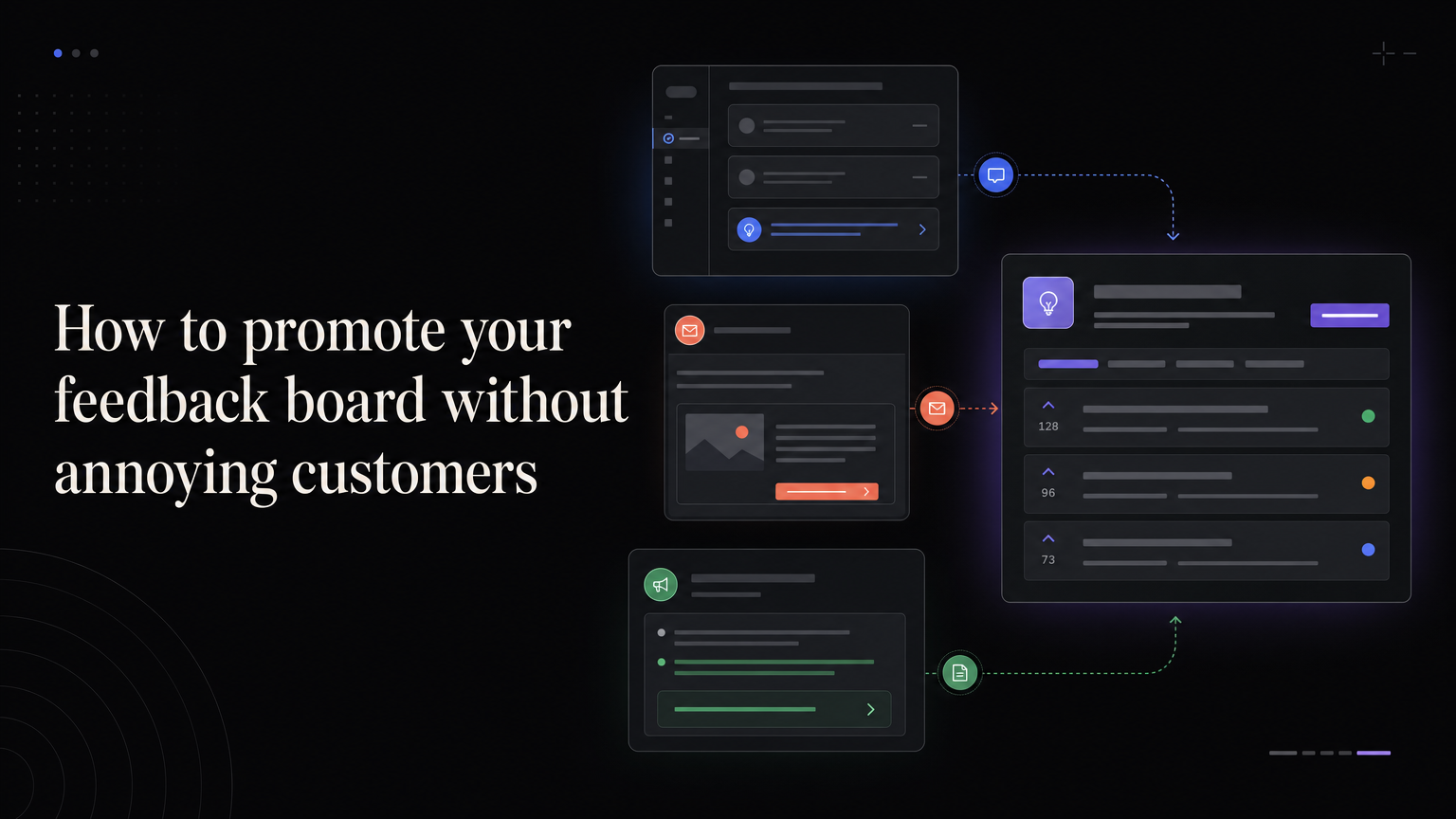
A feedback board produces weak evidence when only your most vocal customers know it exists.
Promotion should make the board easy to find at the moment someone has useful context. It should not interrupt every customer with a generic popup.
Put it inside the product
Add “Feedback” to a stable navigation or help menu. Use the same location across pages so customers do not have to search.
After a relevant workflow, link directly to the matching board category. Do not ask for feedback before the customer has completed anything.
Use support conversations
When a customer suggests an improvement, support can link them to the existing request or create it on their behalf.
The response should confirm that the context was saved, not send the customer away to repeat the entire story.
Include it in onboarding
Introduce the board after the first useful result:
If something is missing, you can share the use case and follow our response here.
Avoid making feedback a setup task.
Connect release notes
At the end of a release note, link to related requests and invite follow-up from customers who use the workflow.
This attracts informed comments, not abstract wish lists.
Ask specific questions
“Any feedback?” is hard to answer. Try:
- What took longer than expected?
- What did you do outside the product?
- Which part of this workflow is still manual?
Show that participation matters
Respond, update statuses, and notify requesters when something changes. Promotion cannot compensate for a board full of unanswered posts.
Feedboard gives customers one consistent place to share ideas and follow progress. Create your board with Feedboard.
Build a promotion calendar
Introduce the board gradually:
- Week 1: add a permanent navigation link.
- Week 2: train support and success to attach customer context.
- Week 3: mention the board after onboarding and completed workflows.
- Week 4: connect the first roadmap and changelog updates.
Measure which placements produce detailed, relevant feedback rather than the most clicks.
Give teams response scripts
Support can say:
I linked your example to the existing request, so you will receive updates without repeating the details.
Sales can say:
Product reviews this board regularly. Votes show demand, but roadmap decisions also consider strategy, impact, and effort.
These scripts keep expectations consistent.
Segment invitations
Do not send every request to every customer. Invite administrators to permission research, agencies to client-sharing topics, and new users to onboarding questions. Targeting increases context and reduces noise.
Metrics that matter
Track unique customers contributing, percentage of posts with useful context, duplicate rate, response time, and requesters notified after decisions. Submission volume alone can reward intrusive prompts.
Common mistakes
Avoid launching an empty board, asking customers to recreate support conversations, promoting faster than the team can respond, and leaving shipped posts disconnected from release notes.
The strongest promotion is visible follow-through. A customer who receives a thoughtful update is more likely to participate again.
Design the first visit
A customer opening the board should immediately understand:
- What kind of feedback belongs there
- How votes and comments are used
- Which requests are under consideration
- How often the team responds
- Where urgent support problems belong
Seed the board with a few real, well-written requests before announcing it. Empty boards create uncertainty; hundreds of imported backlog items create noise.
Place invitations by intent
Different moments produce different feedback.
After onboarding, ask what slowed the first useful result. After a repeated workflow, ask what still happens outside the product. After cancellation, ask about the event that triggered the decision. After a release, ask whether the change solved the original problem.
Do not show the same generic prompt on every page.
Build a support handoff
When support receives a request:
- Resolve any immediate problem.
- Search for an existing feedback post.
- Add the customer and their context.
- Share the post if participation would help.
- Explain what the status means.
Never force the customer to repeat a detailed support conversation in a public form. The board should reduce effort.
Invite quieter customers
Public boards often overrepresent technical, highly engaged, or dissatisfied users. Balance the sample by inviting new customers, occasional users, smaller accounts, and people who stopped using a workflow.
Ask a specific question and make replying privately possible.
Use campaigns sparingly
A quarterly email can highlight reviewed themes and invite context, but avoid turning feature voting into a contest. Campaigning for one request distorts demand and implies a promise.
Instead of “Vote for what we should build,” write:
These are three problems we are researching. If one affects your work, tell us about the last time it happened.
Create a response service level
Set targets the team can maintain:
- New posts acknowledged within two business days
- Duplicates merged weekly
- Under-review items revisited monthly
- Shipped requesters notified at release
- Stale planned items reviewed quarterly
Publish only the expectations you can meet.
Diagnose weak participation
If few customers contribute, check discoverability, authentication friction, unclear prompts, and lack of responses.
If submissions are numerous but vague, improve the form and place invitations after specific workflows.
If customers stop returning, examine whether statuses stay stale and whether requesters hear about decisions.
Frequently asked questions
Should the board require login?
Authentication improves customer identity and reduces spam. Keep the process simple and allow support to submit on behalf of a customer.
Should feedback be rewarded?
Thank participants and show follow-through. Financial rewards can attract low-quality submissions unless you are running structured research.
When should we launch the board?
Launch when one person owns moderation and the team can respond consistently. The software can be ready before the operating habit is ready.
Example placement map
| Product moment | Invitation |
|---|---|
| Help menu | Share or browse product feedback |
| Completed onboarding | What slowed your setup? |
| Support request resolved | We linked your suggestion here |
| Feature used repeatedly | What remains manual? |
| Release announcement | Did this solve the original problem? |
| Cancellation | What event led to your decision? |
Limit simultaneous prompts and apply suppression rules across email and in-product messages.
Review promotion quarterly
Remove placements producing vague or low-quality submissions. Expand those producing recent examples from target customers.
Compare contributing customers with the wider customer base. If only administrators or power users participate, recruit other roles directly.
Promotion is complete only when the team can process the added feedback. Increase intake capacity, response ownership, and review cadence before another broad campaign.
Customer trust check
Open the board as a customer and inspect recent posts. Are responses specific? Are planned items current? Do shipped items link to releases? Can declined ideas still be understood?
The visible state of the board is part of the invitation.
Record which invitation introduced each submission when possible. This shows whether a placement attracts the intended customer and problem, not merely whether it sends traffic.