%20--%3e%3cdefs%3e%3cstyle%3e%20.st0%20{%20fill:%20%23fff;%20}%20%3c/style%3e%3c/defs%3e%3cpath%20class='st0'%20d='M37.06,124.64c1.42-.39,3.06.14,4.14.77,29.56,17.44,67.54,6.48,83.47-23.79,9.31-17.68,10.16-36.97,1.54-55.34-1.29-2.76.63-5.66,3.07-6.48,2.76-.91,5.34.33,6.56,2.99,7.71,16.78,8.53,35.39,2.51,52.8-14.32,41.46-61.44,61.08-100.66,39.6l-28.54,8.18c-1.53.44-3.51-.85-4.32-1.78-1.07-1.23-1.51-2.99-1.06-4.68l7.42-27.48C1.75,93.06-1.86,75.29,2.43,56.85,9.85,24.85,36.89,1.27,70.09.31c14.91-.43,29.09,3.99,41.7,12.54l-.36-5.47c-.17-2.66,1.42-4.88,3.81-5.4,2.05-.44,5.56.58,5.97,3.25,1.09,7.06,1.8,14.07,2.44,21.4.2,2.3-2.47,4.71-4.65,4.73l-18.11.08c-2.8,0-5.09-1.59-5.5-4.35-.35-2.36,1.31-5.56,4.1-5.59l6.44-.08C76.96,1.23,36.92,10.4,19.4,41.02c-11.87,20.72-11.49,44.19,1.31,64.59.85,1.31,1.36,2.49.93,4.03l-5.58,20.83,20.99-5.85.02.02Z'/%3e%3cpath%20class='st0'%20d='M91.43,92.7c4.29,0,7.09-3.34,6.98-7.09-.11-4.05-3.59-7.03-7.8-6.51h-20.19l3.67-10.15,16.89-.03c3.39,0,5.97-2.47,6.48-5.72.33-2.08-.3-4.22-1.58-5.63-1.45-1.59-3.44-2.1-5.64-2.1l-14.72.05,3.1-10.18c4.29-.19,8.41-.33,12.75-.13,7.66.35,14.32,5.25,16.03,12.72,1.36,5.97-.65,11.99-5.85,15.54,3.21,2.02,5.5,4.76,6.49,8.59,2.55,9.85-4.33,20.06-14.94,20.56l-32.37.2,3.73-10.07,9.74-.08h17.21v.02Z'/%3e%3cpath%20class='st0'%20d='M68.08,68.96l-3.36,10.12-18.41.03-.06,23.7h-10.38v-56.96c0-.5,1.61-.71,2.14-.71h6.97l27.17-.02-3.18,10.34-22.63.14-.03,13.33,21.78.05v-.02Z'/%3e%3c/svg%3e)
Shipping the feature is only half the launch. Customers need to know that it exists, why it matters, and how to use it.
A product changelog is a chronological home for those updates. It can reduce repeat support questions, help sales explain progress, and show customers that the product is actively improving.
The useful version is not a copy of your Git history. It is product communication.
What is a product changelog?
A product changelog is a public or customer-only feed of product improvements, fixes, and releases.
It sits between technical release notes and marketing announcements:
- Technical release notes document implementation details for developers.
- A launch campaign promotes a major release.
- A product changelog explains ongoing changes to the people using the product.
One changelog can include large launches and small improvements as long as every entry answers a customer question.
What belongs in it?
Publish a changelog entry when a change affects what customers can do or how the product behaves.
Good candidates include:
- New features
- Meaningful improvements
- Workflow or interface changes
- Important bug fixes
- New integrations
- Deprecations and removals
- Changes to limits or availability
Skip routine dependency updates, internal refactors, and infrastructure work unless customers will notice the result.
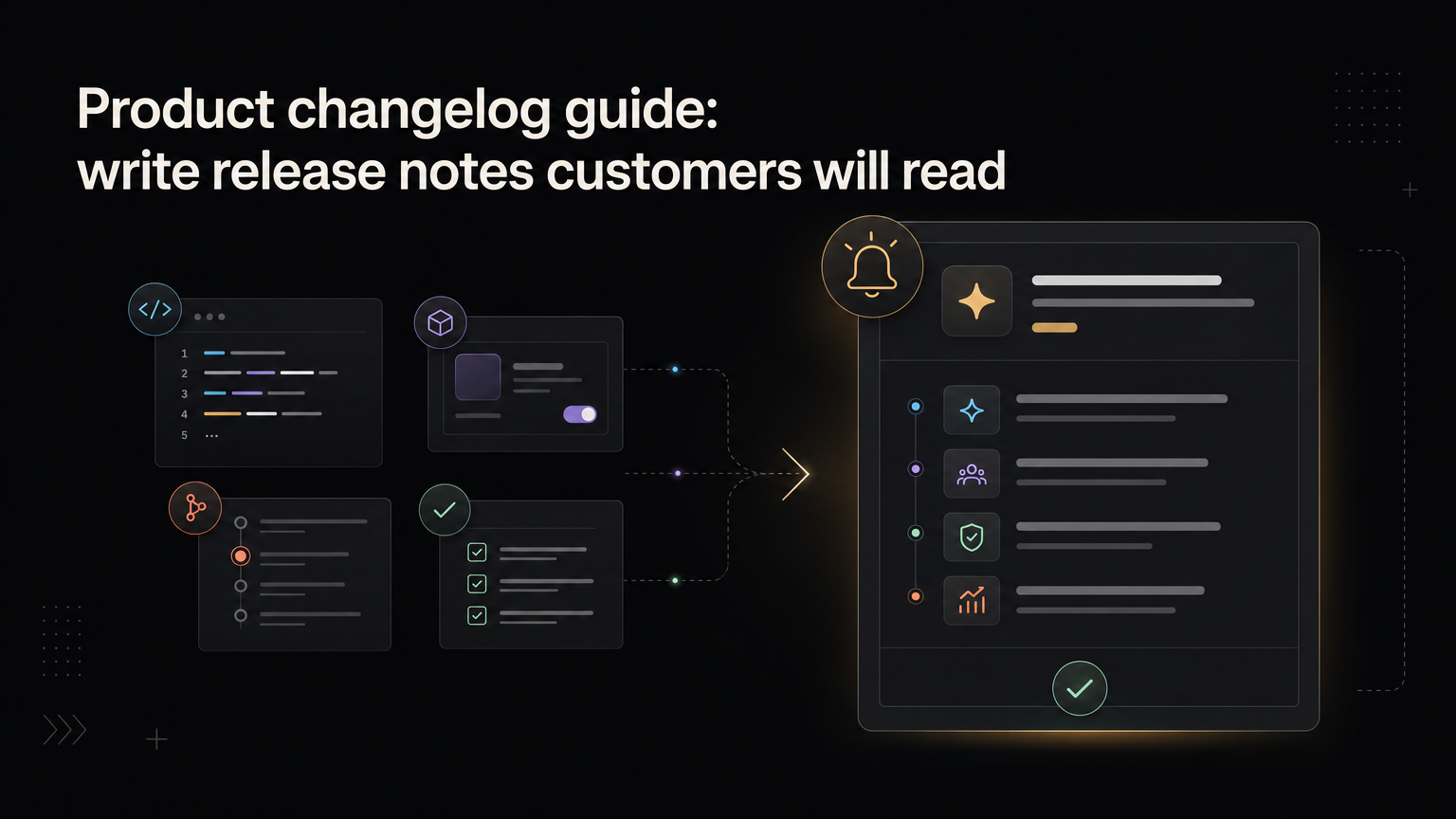
A release note structure that works
1. Lead with the outcome
Weak:
Reporting improvements
Better:
Schedule reports to arrive in your inbox
The title should tell the reader what changed before they open the post.
2. Explain the problem
Use one or two sentences:
Teams were exporting the same report every Monday and emailing it by hand. Scheduled delivery removes that repeated step.
This gives the feature a reason to exist.
3. Show how it works
Describe the shortest path to value. Include a screenshot or short clip when the interface changed.
Open a saved report, choose Schedule, add recipients, and select a delivery time.
Do not reproduce the entire help center. Link to detailed documentation for edge cases.
4. State availability
Say who has access:
- All customers
- A specific plan
- Beta participants
- Workspaces in a staged rollout
- Admins only
If the rollout is gradual, say so.
5. Credit the feedback
When customers asked for the change, acknowledge it:
Thanks to everyone who shared examples of their weekly reporting workflow.
Notify the original requesters directly. The changelog post is the public record; the notification closes the feedback loop.
A reusable changelog template
# [Customer outcome]

[One paragraph explaining the problem and what changed.]

## How it works

[Two to four steps.]

## Availability

[Plans, roles, platforms, regions, or rollout notes.]

## What is next

[Known limitation or next step, only if useful.]
You do not need every section for a small fix. Use the shortest version that gives the customer enough information.
How often should you publish?
Publish close to the release while the details are fresh.
If your team ships many tiny changes, group related improvements into a weekly or monthly roundup. Do not bury a major workflow change inside a long list of minor fixes.
Consistency matters more than volume. A changelog that goes silent for six months creates doubt even if the team is shipping internally.
Common changelog mistakes
Writing for the team that built it
Internal names, ticket numbers, and architecture details make sense to the team. Customers need the outcome and instructions.
Announcing without explaining
“We are excited to announce our powerful new dashboard” says little. Show what the dashboard helps someone do.
Hiding limitations
If a feature works only on desktop or requires an admin, state that early. Customers lose trust when the key constraint appears after they try the feature.
Forgetting discoverability
Link changelog posts from the product, help center, relevant roadmap item, and customer notification. A perfect entry does no work if nobody sees it.
Publishing and disappearing
Watch replies and support questions after the announcement. They often reveal unclear onboarding or a missing edge case.
Connect feedback, roadmap, and changelog
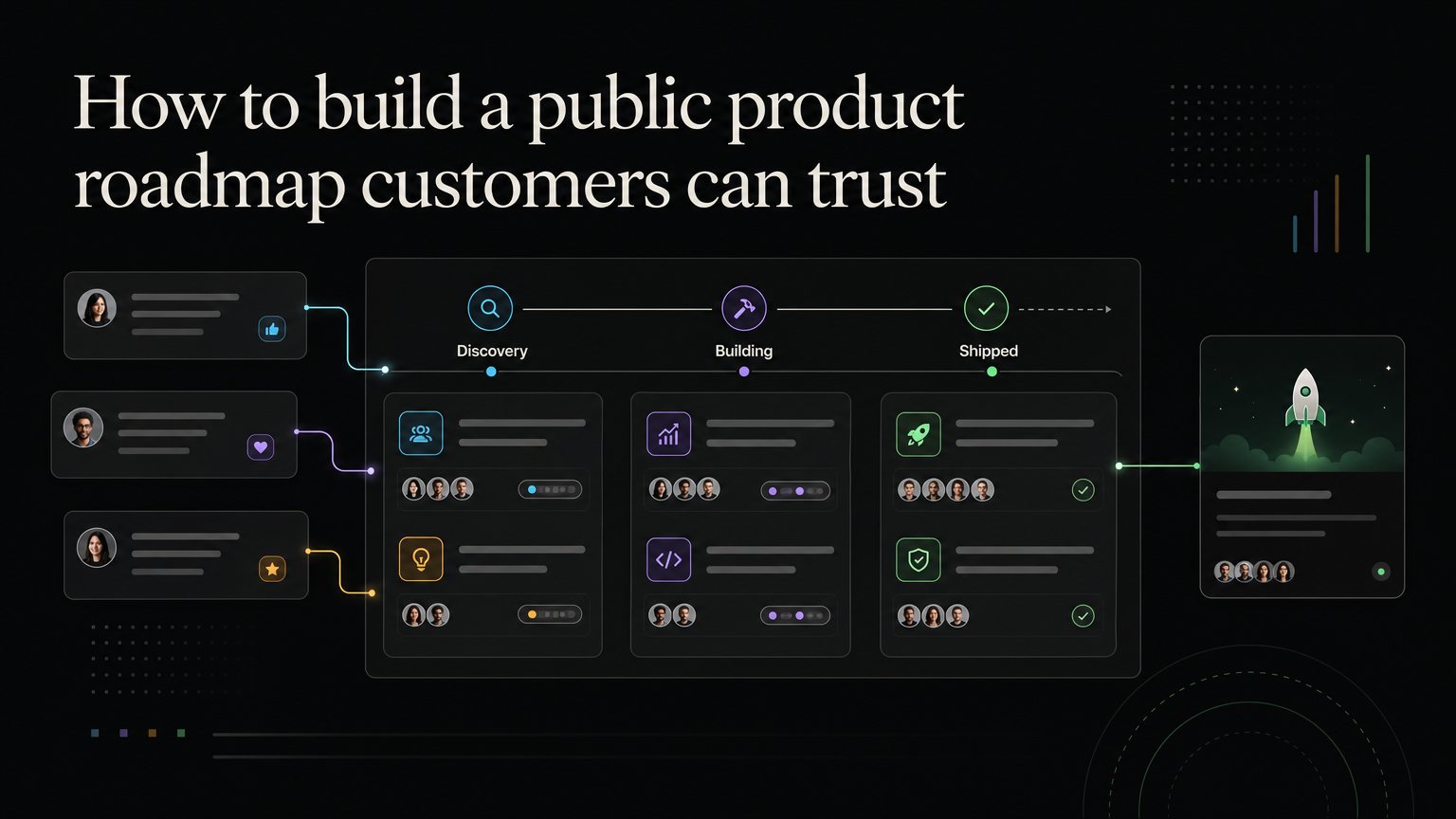
The strongest product communication has a clear path:
- Customers submit and discuss a problem.
- The team reviews it and updates the roadmap.
- The work ships.
- A changelog post explains the result.
- Requesters receive the update.
This path turns a release into proof that customer input matters.
Feedboard keeps the feedback post, roadmap status, and changelog update in one workflow. Publish product updates with Feedboard.
Build an editorial calendar
Maintain a release-communication queue beside planned launches:
Release:
Customer audience:
Outcome:
Availability:
Required action:
Documentation:
Linked requests:
Writer:
Reviewer:
Publish date:
Distribution:
Draft high-impact notes during testing. The writer can identify missing screenshots, unclear setup, or plan confusion before launch.
Create release tiers
Tier 1: major launch
Dedicated post, screenshots or video, documentation, requester notifications, in-product announcement, and sales/support enablement.
Tier 2: meaningful improvement
Focused changelog entry, relevant documentation, and targeted notification.
Tier 3: minor change
Grouped roundup or no external announcement when customers will not notice.
Breaking changes and security instructions receive dedicated communication regardless of marketing importance.
Distribution by audience
Do not send every release to every customer.
- Current users: in-product and email when behavior changes
- Requesters: direct status notification
- Administrators: setup, permissions, billing, and rollout detail
- Developers: API changes and migration steps
- Prospects: outcome-focused sales update
- Public audience: curated changelog and social summary
Worked example
A team releases guest approval.
The note explains:
- Account managers can invite a guest to one project.
- Guests can comment and approve but cannot browse the project.
- The feature is available on Pro plans.
- Existing project permissions do not change.
- Admins can disable guest access.
The post links to setup documentation and notifies customers attached to permission and client-sharing requests.
Write for accessibility
Use descriptive headings, alt text, meaningful link labels, captions, and plain instructions. Do not put required steps only inside screenshots.
Spell out ambiguous dates and include time zones for deadlines. Describe keyboard or assistive-technology changes when relevant.
Coordinate support
Before publishing, give support:
- Customer-safe summary
- Availability and limitations
- Known issues
- Workarounds
- Escalation owner
- Documentation link
Monitor questions after launch and update the note when a limitation is repeatedly misunderstood.
Measure impact
Track:
- Affected customers reached
- Linked requesters notified
- Documentation visits
- Feature adoption after announcement
- Support questions
- Replies and follow-up use cases
- Unsubscribe or dismissal signals
Views are useful only when connected to the intended audience and action.
Changelog governance
One owner should maintain style, categories, and cadence. Product owners verify facts. Legal or security reviews sensitive notices. Documentation should publish no later than the feature.
Correct errors visibly with a dated update. Do not silently leave old availability or deadline information.
Frequently asked questions
Should changelog posts be editable?
Yes. Add dated corrections or rollout updates so readers understand what changed.
Can several small fixes be grouped?
Yes, when they serve the same audience or workflow. Keep breaking or action-required changes separate.
Should every post include screenshots?
Only when the interface or setup benefits from them. Text should still contain the essential explanation.
Who should write release notes?
The person closest to the customer outcome can draft them; a consistent editor should review clarity and accuracy.