%20--%3e%3cdefs%3e%3cstyle%3e%20.st0%20{%20fill:%20%23fff;%20}%20%3c/style%3e%3c/defs%3e%3cpath%20class='st0'%20d='M37.06,124.64c1.42-.39,3.06.14,4.14.77,29.56,17.44,67.54,6.48,83.47-23.79,9.31-17.68,10.16-36.97,1.54-55.34-1.29-2.76.63-5.66,3.07-6.48,2.76-.91,5.34.33,6.56,2.99,7.71,16.78,8.53,35.39,2.51,52.8-14.32,41.46-61.44,61.08-100.66,39.6l-28.54,8.18c-1.53.44-3.51-.85-4.32-1.78-1.07-1.23-1.51-2.99-1.06-4.68l7.42-27.48C1.75,93.06-1.86,75.29,2.43,56.85,9.85,24.85,36.89,1.27,70.09.31c14.91-.43,29.09,3.99,41.7,12.54l-.36-5.47c-.17-2.66,1.42-4.88,3.81-5.4,2.05-.44,5.56.58,5.97,3.25,1.09,7.06,1.8,14.07,2.44,21.4.2,2.3-2.47,4.71-4.65,4.73l-18.11.08c-2.8,0-5.09-1.59-5.5-4.35-.35-2.36,1.31-5.56,4.1-5.59l6.44-.08C76.96,1.23,36.92,10.4,19.4,41.02c-11.87,20.72-11.49,44.19,1.31,64.59.85,1.31,1.36,2.49.93,4.03l-5.58,20.83,20.99-5.85.02.02Z'/%3e%3cpath%20class='st0'%20d='M91.43,92.7c4.29,0,7.09-3.34,6.98-7.09-.11-4.05-3.59-7.03-7.8-6.51h-20.19l3.67-10.15,16.89-.03c3.39,0,5.97-2.47,6.48-5.72.33-2.08-.3-4.22-1.58-5.63-1.45-1.59-3.44-2.1-5.64-2.1l-14.72.05,3.1-10.18c4.29-.19,8.41-.33,12.75-.13,7.66.35,14.32,5.25,16.03,12.72,1.36,5.97-.65,11.99-5.85,15.54,3.21,2.02,5.5,4.76,6.49,8.59,2.55,9.85-4.33,20.06-14.94,20.56l-32.37.2,3.73-10.07,9.74-.08h17.21v.02Z'/%3e%3cpath%20class='st0'%20d='M68.08,68.96l-3.36,10.12-18.41.03-.06,23.7h-10.38v-56.96c0-.5,1.61-.71,2.14-.71h6.97l27.17-.02-3.18,10.34-22.63.14-.03,13.33,21.78.05v-.02Z'/%3e%3c/svg%3e)
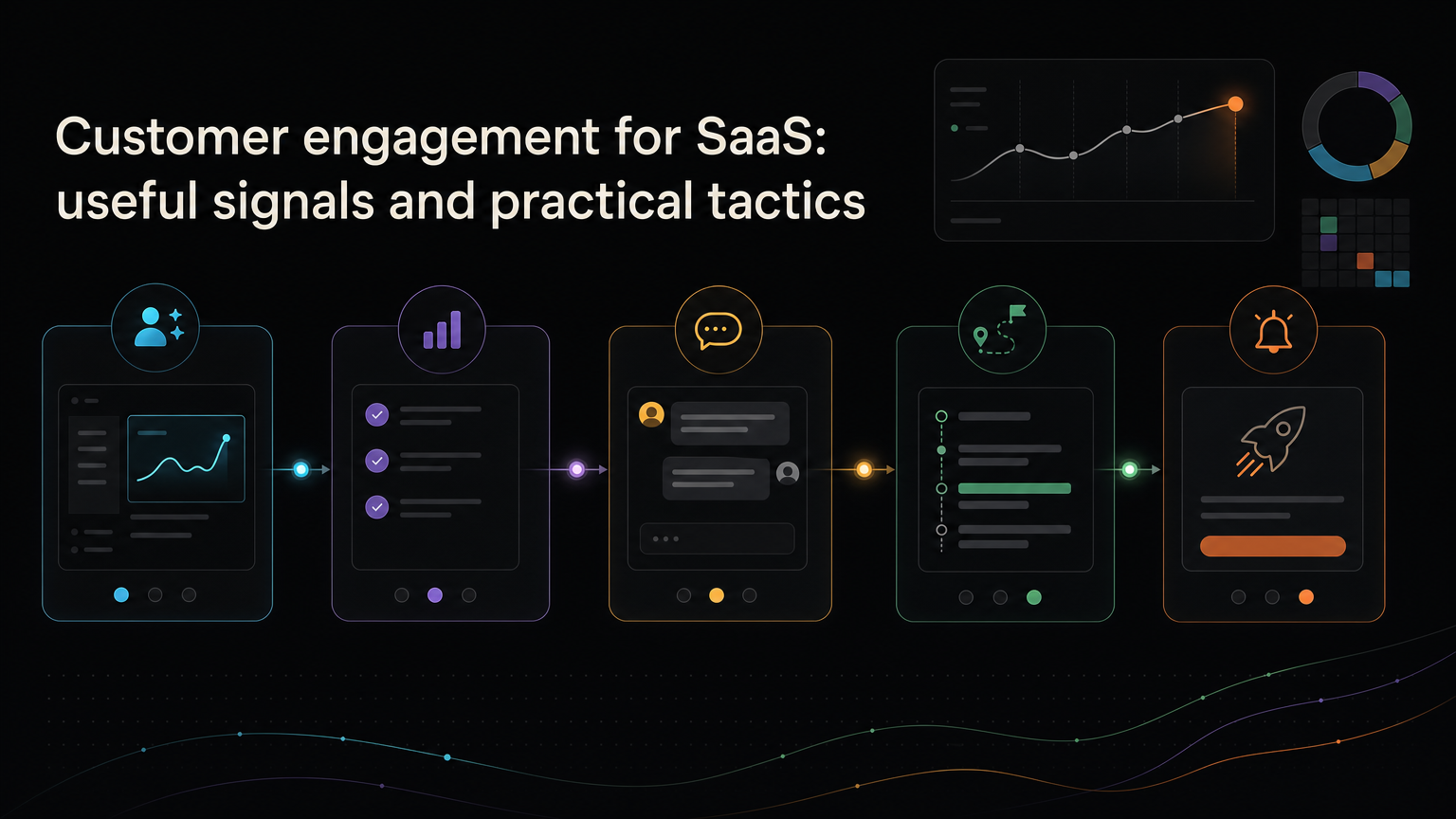
Customer engagement is not the number of emails you send. It is the set of meaningful actions that show a customer is getting value from the product and staying involved with it.
For one product, engagement may be a team completing a weekly workflow. For another, it may be an API handling production requests every day. The right definition depends on the value the customer came to receive.
Define meaningful engagement
Start with the product’s core outcome.
If you sell scheduling software, opening the app is weak evidence. Creating a schedule, sharing it, and returning to update it are stronger.
List the actions that indicate progress:
- First useful result
- Repeated use of the core workflow
- Collaboration with another user
- Adoption of a second valuable feature
- Feedback or support participation
- Renewal, expansion, or referral
Do not combine every click into one “engagement score” unless the weights reflect real customer outcomes.
Measure the journey in stages
Activation
Did the customer reach an early result that predicts future value?
Measure time to value and completion of the key setup behavior. Avoid defining activation as signing in or touring the interface.
Habit
Does the customer return at the frequency the job requires?
A payroll product may be used twice a month. A monitoring tool may run continuously. “Daily active users” is not automatically a good SaaS metric.
Breadth
Are more people or workflows in the account receiving value?
Look at active teammates, adopted use cases, integrations, or departments when those reflect a healthy account.
Relationship
Does the customer respond to research, submit feedback, join a beta, or read product updates?
These actions show willingness to invest attention. They should complement product-use measures, not replace them.
Seven ways to improve customer engagement
1. Shorten time to first value
Remove setup work that is not required for the first result. Use sample data, sensible defaults, and a clear next action.
2. Teach in the workflow
Show guidance when it becomes relevant. A short explanation beside a new action beats a long product tour presented before the customer understands the context.
3. Ask for feedback after a real event
Ask after the customer completes a task, encounters an error, cancels, or uses a new feature. Timely prompts produce more specific feedback than a generic “How are we doing?”
4. Give feedback a visible home
A feedback board lets customers find existing ideas, add context, and follow progress. It also reduces duplicate requests across support channels.
Explain that votes inform decisions but do not dictate the roadmap.
5. Invite the right customers into research
Contact people connected to the problem you are studying. A customer who requested an export can evaluate an export prototype better than a random mailing list.
6. Announce changes by outcome
“Reporting v2 is live” requires the customer to investigate. “Schedule a weekly report for your client” tells them why to care.
Link the announcement to the original feedback when possible.
7. Close inactive loops
Stale roadmap items and unanswered requests teach customers to stop participating. Give reviewed ideas an honest state, including not planned.
Avoid engagement theatre
Notifications, badges, and email volume can increase activity without increasing value.
Before adding a prompt, ask:
- What useful action should the customer take?
- Is this the right moment?
- Can the message be ignored safely?
- How will we know it helped?
If the main outcome is “more clicks on the prompt,” the tactic needs a stronger reason.
Connect engagement to retention
Look at whether the meaningful actions you chose actually predict renewal or continued use.
Compare retained and churned customers. Interview both. You may find that the celebrated feature has little relationship to success while a quiet workflow is essential.
Use those findings to improve onboarding, education, and roadmap priorities.
Engagement grows when customers can see progress
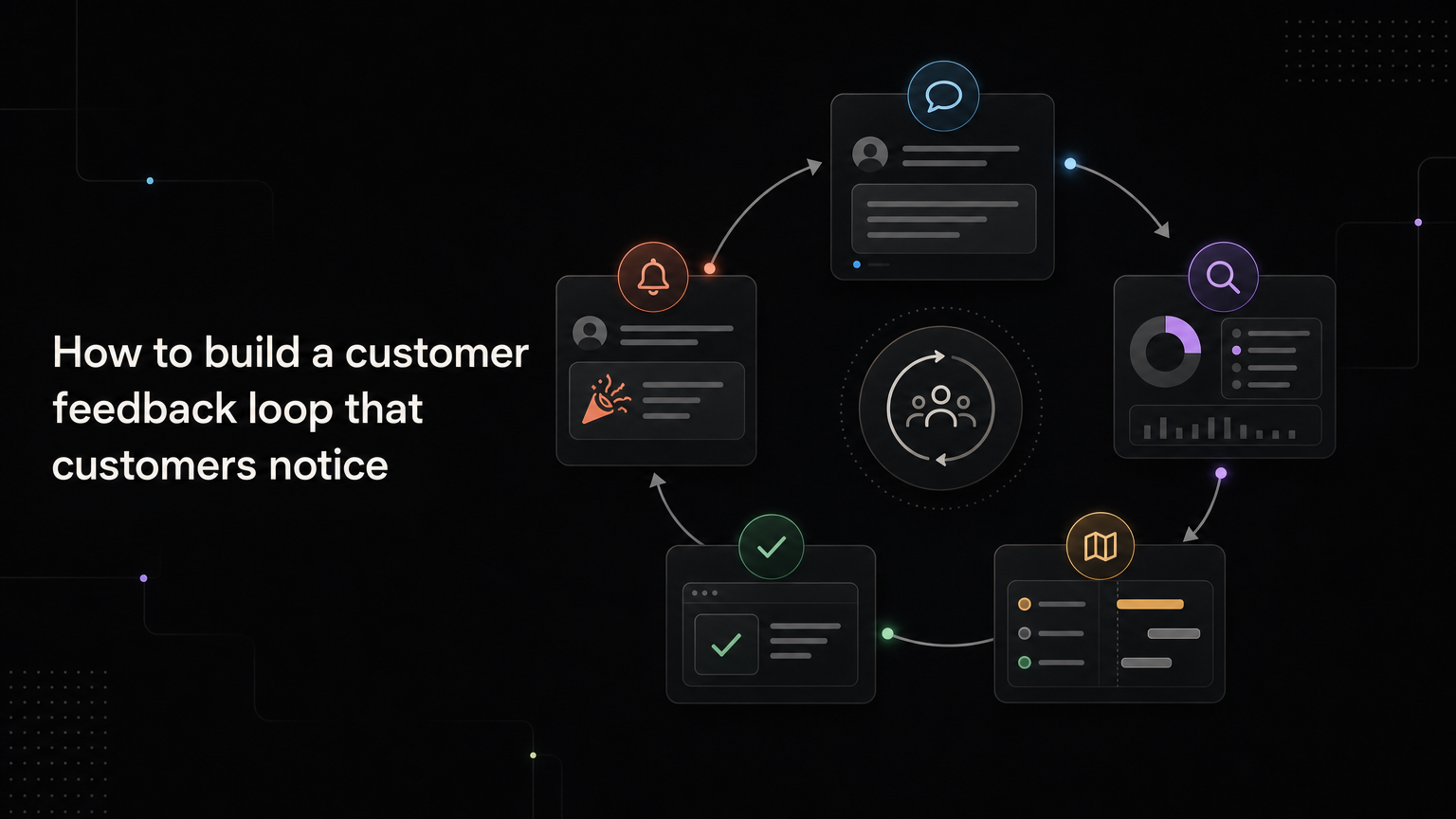
Customers keep participating when their effort produces a response. Acknowledgement, a clear decision, and a useful release note make the relationship visible.
Feedboard gives SaaS teams one place to collect feedback, show roadmap progress, and announce what changed. Build your customer feedback loop with Feedboard.
Build an engagement model
Define a small sequence of customer outcomes:
Setup: Account is configured for the intended workflow.
First value: Customer completes one meaningful job.
Repeat value: The job is completed again at its natural frequency.
Team value: Another relevant person participates.
Expanded value: Customer adopts an additional useful workflow.
Relationship: Customer renews, expands, advocates, or contributes evidence.
The sequence will differ by product. Do not force every customer through the same path when roles have different jobs.
Measure cohorts, not blended averages
Group customers by signup period, plan, segment, acquisition channel, or first use case. Compare their behavior over the same lifecycle window.
A rising monthly-active total can hide declining activation if customer acquisition grows quickly. Cohorts show whether newer customers reach and repeat value more reliably.
For B2B products, measure both people and accounts. One active champion does not mean a ten-person workspace is engaged.
Identify an engagement threshold
Look for behaviors associated with retention, then test whether the relationship is meaningful.
For example, retained project-management accounts may:
- Create three projects
- Invite two teammates
- Complete one shared task
- Return in the second week
Use the pattern to improve onboarding, not to bombard customers with prompts until they click each event.
Design experiments
Use:
Customer problem:
Target segment:
Behavior to change:
Proposed intervention:
Success metric:
Guardrail:
Time window:
Decision:
An onboarding experiment might reduce setup steps and measure first-week completion, while guarding against more support contacts or misconfigured accounts.
Worked example
A feedback product has strong signup volume but weak return use.
Interviews show founders create a board but do not invite customers because the board looks empty. The team tests:
- A starter request template
- A support-assisted import
- A checklist that ends with sharing the board
The outcome measure is not checklist completion. It is the percentage of workspaces receiving one external feedback interaction and returning the next month.
Use communication as product value
Engagement does not end when a customer submits feedback.
Send updates when:
- The team acknowledges the request
- More context is needed
- Status changes
- A beta opens
- The outcome ships
- The request is declined
Relevant updates can bring customers back to a valuable workflow. Generic announcements train them to ignore messages.
Diagnose declining engagement
Separate:
- Product failure: workflow is unreliable or confusing
- Value failure: outcome is not important enough
- Habit mismatch: metric frequency does not fit the job
- Audience mismatch: acquired customers are not the target
- Measurement failure: tracking or identity is incomplete
- Communication failure: customers do not discover improvements
Each explanation requires a different response.
Guardrails
Track unsubscribe rate, notification dismissals, support volume, accidental actions, time to complete the job, and customer complaints.
An intervention that increases activity while harming trust is not healthy engagement.
Frequently asked questions
Is daily active use always better?
No. The right frequency matches the customer job. Monthly finance software can be healthy without daily logins.
Should engagement become one score?
A score can help segment accounts, but keep its component behaviors visible and validate their relationship to value.
How does feedback fit engagement?
Feedback participation is relationship evidence. It should complement product-use behavior and receive a visible response.
What should a new product measure first?
Time to first meaningful result, repeat use, and direct customer evidence are usually more useful than a large dashboard of clicks.